|
If a training document from TDM has been associated with a specific LCMS activity, the TDM Linking tab is available from each screen within the activity. From here, you can use the checkbox to indicate the statements that are addressed by this screen. Note: The statements displayed in each drop-down menu is dependent on the course/schema in TDM.

| 1. | Select the desired statement from the TDM statements addressed by this screen drop-down menu. Note: More than one statement can be selected. |
| 2. | Click the checkbox beside the desired statement(s). |
| 3. | Click the statement to view any child statements. Note: You may also click the icon beside a statement to view child statements. |
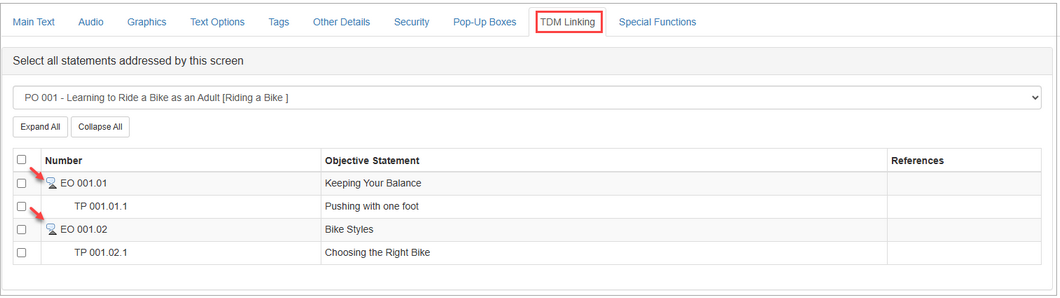
| 4. | Click the checkbox beside the desired child statement(s). Note: For screens that are linked to TDM, the associated statements will display in the TDM LINKS section of the screen. See Link Screens to TDM Statements for more information. |

|


