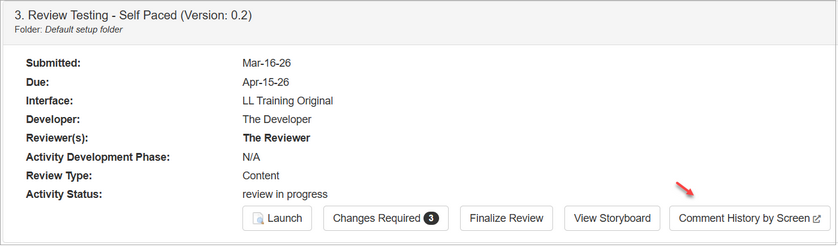
| 1. | On the Review Inbox screen, click the Comment History by Screen button to open the Comment History report. This report displays all review comments for that review type by screen. |
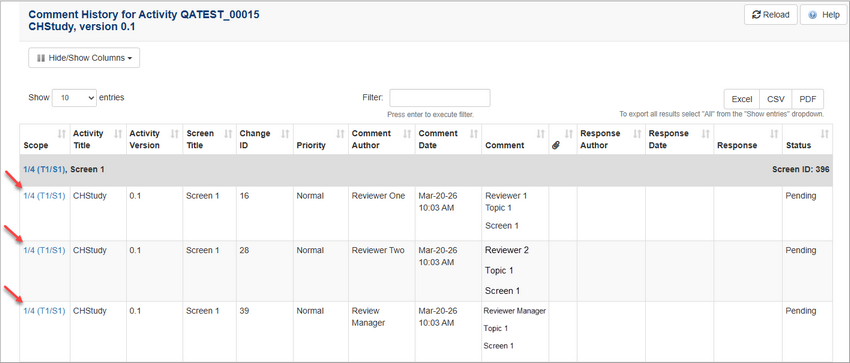
| 2. | On the Comment History screen, reviewers may review the version of the activity at the time of the comment, preview previous comments for a desired screen to compare with the current version. The reviewer may also add comments (if required) and use the Reload button to update the screen. |
|


